
Use It Smarter. Live It Better.
iPhone, Mac and AI guides from people who live inside these devices.
Latest Tips

The Only iPhone Tips Guide You Actually Need (Updated for iOS 26)
The only iPhone tips guide you need for iOS 26. Covers essential settings (Text Replacement, Focus Mode, battery health), hidden features like Back Tap, and fixes for autocorrect and spam calls. Updated for 2026 with what actually saves you time. Used daily by the OLA TECH team.

iPhone Text Shortcuts: Stop Typing the Same Things Over and Over
Stop typing the same email address and phrases repeatedly. Learn how to set up iPhone text shortcuts in under 2 minutes. This guide covers the setup on iPhone and Mac, iCloud syncing, troubleshooting, and 10 ready-to-use shortcuts for emails, addresses, and replies to save you time every day.

How to Improve iPhone Battery Health in 2026 (iOS 26 Guide)
Smartphone batteries degrade faster than they should — but mostly because of bad habits, not bad hardware. Learn the 5 charging habits that actually work, how iOS 26’s new Charge Limit and Adaptive Power Mode protect your battery long-term, and what battery health percentage to look for when buying a refurbished iPhone.

Make Unknown Callers Identify Themselves Before Your iPhone Rings with Ask Reason for Calling in iOS 26
Tired of spam calls? iOS 26 introduces a powerful native solution called “Ask Reason for Calling” that makes unknown callers identify themselves before your phone rings. This article provides a complete setup guide, explains a crucial language & region compatibility tip, and shows how to combine it with third-party apps like Hiya for the ultimate two-layer defense against robocalls and telemarketers.
What does Network Setting Reset do on Android?
Fix Android Wi-Fi/Bluetooth Issues! 🔧 Reset network settings without losing data ✅ Step-by-step guide for Samsung & Google Pixel. Restore APN, resolve eSIM errors, tackle signal drops. #AndroidTips 📶
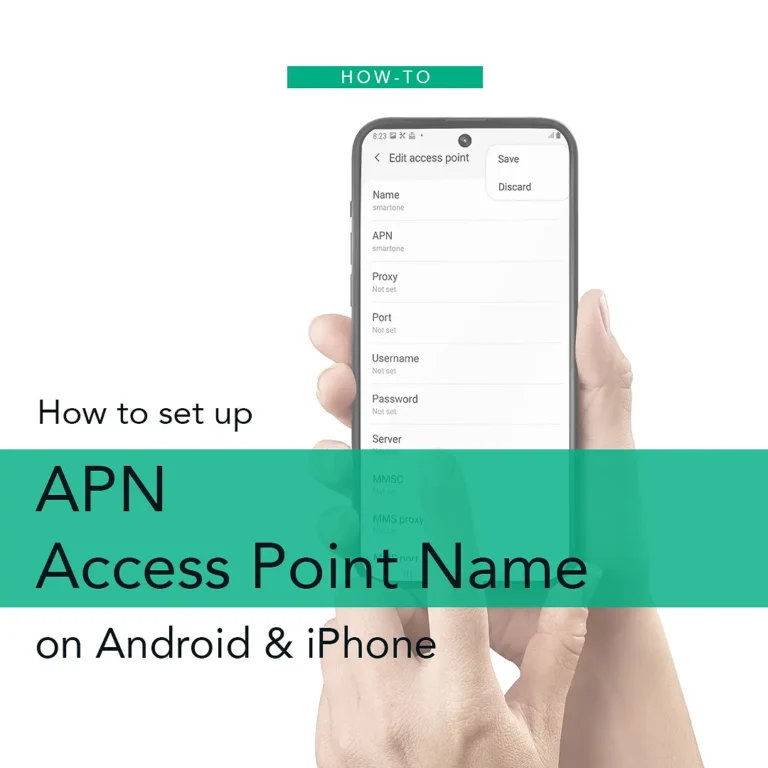
How to set up Access Point Name (APN) Settings: A Guide for both Android and iPhone Users
“Can’t connect after inserting SIM/eSIM? 📱 Fix ‘No Internet’ by setting APN on Android & iPhone! Step-by-step guide + HK/US/PH carrier APN lists. Resolve errors & unlock data instantly

安心出行App | 手機會被監控? 教你3 招《真。安心出行》
「安心 出行」App 的權限分享一直備受爭議,有些市民認為部份權限是不必要,對其私隱問題存疑。以下一文,筆者為你分析應用程式權限的隱憂及解決辦法

How to use Vaccine Pass in Hong Kong
Hong Kong’s Vaccine Pass requires citizens to scan venue QR codes using the “LeaveHomeSafe” app while merchants use the government’s “QR Code Verification Scanner” app to validate vaccination records, with audio cues indicating status. The system recommends affordable compliant smartphones for businesses to facilitate smooth operation

通關工具「港康碼」|相應顏色你要識
免檢疫北上通關實施在即,「港康碼」如要實現兩種功能的話,就必須要採用實名制。
如要申請免檢疫通關,必須要通過申請「港康碼」再轉碼至粵康碼或澳康碼;若沒返內地需要,市民可毋須使用港康碼。

Distribute Lunch Boxes to Seniors Who Live Alone
On Chong Yang Festival (Senior Citizens Day), our founder Peter J Lam gratefully partnered with Channel Islands Rotary Club and Banyan Services to distribute 150 lunch boxes to isolated seniors, reaffirming our commitment to supporting vulnerable communities through collaborative projects